10 Practical Ways to Train and Fine-Tune LLMs on Limited Hardware in 2026
Reduce GPU memory use and training costs with 10 practical techniques, from LoRA and sequence packing to sharding and data selection.
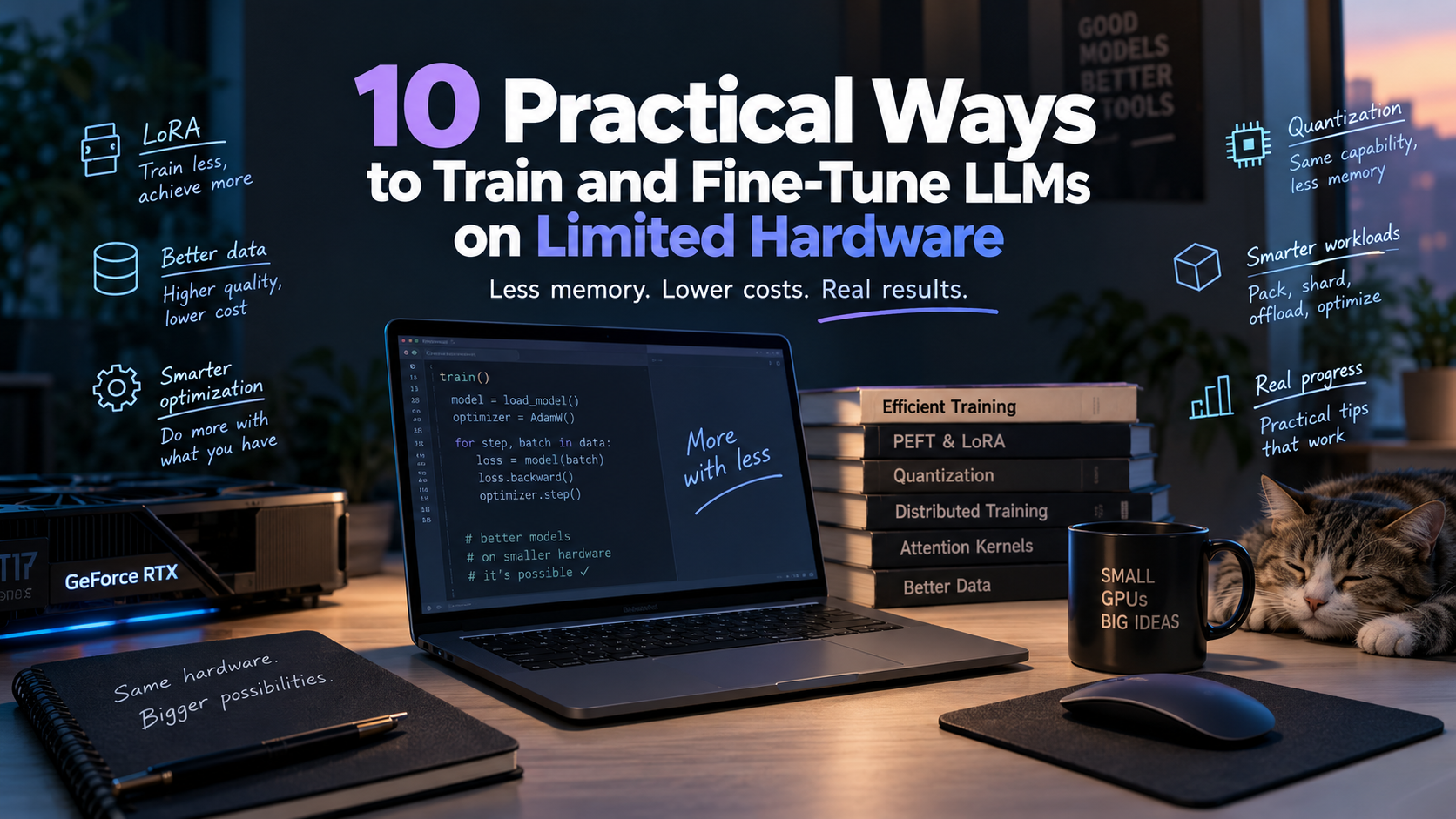
Loading a model is not a reliable test of whether it will fit during training. The first backward pass or optimizer step can exhaust VRAM as gradients, optimizer state, activations, and output tensors add to the memory already occupied by the weights. A run that fits can still be too slow to be useful.
The focus here is fine-tuning pretrained, text-only LLMs on one GPU or a small multi-GPU workstation, using either adapters or full-parameter updates.
Record a baseline first
Record peak GPU memory over a complete training step, including the optimizer update, along with non-padding tokens per second and a validation metric for your task. Keep the model, data split, sequence length, and effective batch fixed when comparing implementations. Change one setting at a time, and check how many training tokens each optimizer update actually includes, especially after enabling packing.
1. Fine-tune adapters with LoRA or QLoRA
LoRA freezes the base model and trains small low-rank adapter matrices, so only the adapters need gradients and optimizer state. QLoRA also stores the frozen base weights in 4-bit form, while using higher precision for computation.
Start with LoRA if the model leaves enough VRAM for training, and try QLoRA if the base weights take up too much of it. You still need memory for activations, and the frozen layers still take part in the forward and backward passes.
Other adapter variants
LoRA-FA fixes the adapter's
Amatrix and trainsB, reducing the activations the adapter needs to save. For rsLoRA and DoRA, compare validation scores as well as memory and speed, since DoRA adds overhead relative to standard LoRA.
2. Use smaller microbatches with gradient accumulation
With gradient accumulation, you run several smaller microbatches and add their gradients before updating the weights. This lowers activation memory per microbatch without reducing the effective batch size, although it does not shrink the model or optimizer state.
In standard data-parallel training with equally sized microbatches, the effective batch is microbatch size per GPU × accumulation steps × data-parallel GPUs. On one GPU, two examples per microbatch and eight accumulation steps give an effective batch of 16 examples.
Batch size and loss scaling
Try increasing the microbatch size while measuring throughput, leaving some memory headroom rather than assuming that one example per microbatch is the best setting. For a token-averaged loss with variable-length sequences, normalize across all non-ignored target tokens in the accumulated batch instead of averaging the microbatch means.
3. Reduce padding with sequence packing
Sequence packing combines short training examples into fuller token blocks so the GPU spends less time processing padding. Padding-free batching tackles the same waste by flattening a batch and passing sequence boundaries to a compatible variable-length attention backend.
TRL supports both approaches, which are worth testing when your dataset contains many short examples of different lengths. Measure non-padding tokens per second, remembering that examples already close to the target length leave less padding to remove.
Keep examples independent
For independent examples, concatenating texts without the right attention boundaries lets one example attend to another, even if an EOS token separates them. Inspect the packed samples for truncated context, incorrect position IDs, and labels that should be excluded from the loss.
4. Save activation memory with checkpointing or offloading
Activation checkpointing saves memory by discarding some intermediate tensors during the forward pass and recomputing them during backward. Selective checkpointing lets you keep the outputs of expensive operations, such as matrix multiplications, while recomputing cheaper ones.
Start with the checkpointing option in your trainer, then profile activation memory before writing a custom checkpointing policy. If you have spare system RAM, activation offloading moves saved tensors to the CPU and brings them back for the backward pass.
Measure the full training step
Checkpointing adds computation, while offloading adds data transfers and consumes system RAM. Measure peak VRAM and complete step time together, using the same sequence length and effective batch for each comparison.
5. Use an attention backend that suits your GPU
FlashAttention reduces memory traffic and avoids storing the full attention-score matrix, but dense attention still has quadratic compute cost in sequence length.
For standard attention, start with a supported fused backend through PyTorch's scaled dot-product attention (SDPA). FlexAttention is useful when you need custom attention masks or score modifications.
FlashAttention-4 and hardware support
The FlashAttention-4 backend for FlexAttention, introduced in March 2026, supports Hopper and Blackwell GPUs with a compatible software stack. Check the hardware and installation requirements for your exact GPU rather than assuming the newest implementation will run on it. Benchmark forward and backward together at your actual sequence length and data type, and verify that the new backend preserves your masking behavior.
6. Reduce the memory used by logits and loss
The output layer can be a memory bottleneck even after you've optimized attention. Its logits tensor has the shape batch size × sequence length × vocabulary size, so a large vocabulary can make it expensive to keep in memory.
Apple's Cut Cross-Entropy computes cross-entropy without materializing the full logits tensor in GPU global memory. TRL's loss_type="chunked_nll", now the default in SFTTrainer, processes the output projection and loss in chunks, skipping positions whose labels are ignored.
Check the loss backend
TRL 1.4 added support for PEFT and vision-language models in this chunked path, but it remains incompatible with
use_liger_kernel=True. Before switching, check your installed version and compare the loss and gradients with those from your existing implementation.
7. Use less memory for optimizer state
During full fine-tuning, Adam-style optimizers keep moment estimates for every trainable parameter, which can take up a large share of VRAM. A supported bitsandbytes 8-bit optimizer reduces the precision of eligible state tensors without requiring 8-bit model weights.
Compare it with your AdamW baseline before trying a more specialized optimizer. GaLore projects gradients into low-rank subspaces, while APOLLO uses auxiliary low-rank state and random projections to approximate adaptive update scaling.
Compare convergence as well as VRAM
GaLore and APOLLO can update all model parameters, but check how they affect convergence and total training time on your task. With small LoRA adapters, check the memory breakdown first, because activations may take much more space than optimizer state.
8. Choose the right precision for your hardware
Mixed-precision training uses lower-precision formats for selected computations while retaining higher precision where numerical stability requires it. BF16 is a good starting point on GPUs that support it efficiently, while FP8 and NVFP4 need compatible hardware, kernels, and scaling recipes.
NVIDIA's Transformer Engine supports FP8 on Ada, Hopper, and Blackwell, with MXFP8 and NVFP4 support on Blackwell. Use that support matrix to check your exact GPU and software build before testing a lower-precision setup.
Four-bit compute, higher-precision state
In NVIDIA's February 2026 NVFP4 experiments, optimizer state stayed in FP32 and selected layers ran in BF16. Four-bit computation therefore does not mean four-bit storage for the full training state, and you still need to compare validation quality, stability, and throughput with BF16.
9. Shard or offload training state with FSDP2 and ZeRO
Sharding spreads training state across GPUs instead of keeping a complete copy on each device. PyTorch FSDP2 shards parameters, gradients, and optimizer state, while DeepSpeed ZeRO progressively partitions optimizer state, then gradients, then parameters across three stages.
For a small multi-GPU workstation, start with the least aggressive ZeRO stage that resolves the memory bottleneck, or benchmark FSDP2. DeepSpeed's CPU or NVMe offloading moves supported training state into RAM or SSD storage, and CPU offloading also works in single-GPU setups.
Check the transfer cost
Each GPU still needs room for active layers, activations, and communication buffers, so sharding does not turn the cards into one large GPU. Measure full step time, system RAM use, and transfer overhead before committing to a setup that fits but spends too much time moving data.
10. Select better data and avoid unnecessary training
Dataset deduplication research shows that removing repeated content can reduce the training needed to reach comparable or better quality in the workloads studied. Start with exact duplicates, review near-duplicates and broken examples, and keep a representative mix of the tasks the model needs to handle.
The March 2026 Greedy Information Projection paper explores a more structured way to select fine-tuning subsets by balancing quality signals and diversity. Treat its results as evidence for the tested tasks, and keep the final test set out of both data selection and training.
Lower total cost, not peak VRAM
Include embedding and scoring costs when checking whether a subset reaches your validation target with less total compute. At the same batch size and sequence length, a smaller dataset usually won't fix an out-of-memory error.
What to try first
Choose the first experiment based on what is limiting the run, and check compatibility before combining methods.
Single-GPU fine-tuning. Start with LoRA or QLoRA and microbatch tuning, then test compatible packing and attention backends. Add checkpointing if activations still dominate memory use.
Long sequences or a large vocabulary. Profile activations and attention, then check the output layer and loss. Use a loss backend that supports your model and training setup.
Full fine-tuning on several GPUs. Test optimizer-state reduction and sharding. Test lower precision when your hardware and software support it.
Training fits but costs too much. Check for duplicates and low-quality examples. Compare the total compute needed to reach the same validation target, not just the time per step.
Once an optimization helps on its own, test it with the rest of your setup, including evaluation and checkpoint saving. Pin the versions that work and save the configuration, measurements, and validation results.
When two configurations reach the same validation target, compare the cost of the complete run, including data preparation and evaluation.

Founder and Chief Editor of Data Phoenix — a San Francisco Bay Area media and education platform focused on AI and Data.
Continue reading
AWS releases six open-source Hugging Face deployment skills for SageMaker
AWS has released six open-source skills that guide coding agents through Hugging Face deployments on SageMaker, from setup and container selection to scaling, monitoring and teardown.

Google Research releases MilleMiglia logistics benchmark generator
Google Research released MilleMiglia, an open-source C++ generator for reproducible middle-mile logistics test instances. Its specialized solver and API are still in development.

AWS launches AgentCore Runtime V2 with elastic memory and snapshot starts
AWS has launched Amazon Bedrock AgentCore Runtime V2, which reclaims idle memory and restores initialized environments from compact snapshots. AWS says the design steadies cold starts and can reduce total bills for many agents, despite higher CPU and memory rates than V1.